Windows FTP Alternative
Get a cloud SFTP running in 5 minutes. No server required.
Couchdrop is an SFTP that runs in the cloud. No infrastructure to deploy, no software to install, no maintenance required. Transfer files using your existing storage - Couchdrop works with SharePoint, S3, Azure, Google Cloud, and 30+ more platforms.
Instant access • 14 day free trial • No card required



File transfer infrastructure for teams that can't afford downtime










Modern Cloud FTP
Couchdrop replaces your Windows FTP setup—and everything installed on it
Whether you’re running IIS, Cerberus, FileZilla Server, or another Windows SFTP solution—you're managing infrastructure instead of moving files. Couchdrop changes that.

Deploy in minutes
Skip the installation. Cerberus, FileZilla Server, and other Windows FTP software take 15 minutes to install—then hours to configure properly. Couchdrop works immediately.
- Sign up, connect your existing storage, add FTP/SFTP users
- No IIS configuration, no firewall rules, no certificate setup
- First file transfers in under 5 minutes
Easy to manage
Windows FTP management involves multiple tools and permission layers. Couchdrop handles all management through one modern interface.
- Add users in 30 seconds, set folder permissions instantly
- Audit logs show who uploaded what and when
- API available for automation and bulk operations

Zero overhead
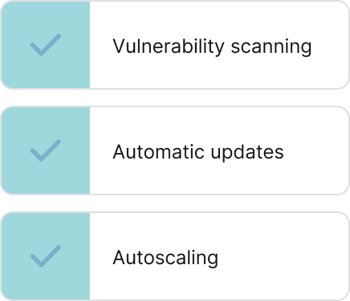
Running Windows FTP means ongoing work. Updates. Certificates. Monitoring. Capacity planning. Couchdrop handles all infrastructure tasks automatically.
- Automatic updates, patches, and certificate renewals
- Scales automatically when load increases
- 99.9% uptime—we handle the infrastructure
Couchdrop works with your existing storage platforms, including SharePoint, OneDrive, Azure Blob & Files, Windows Server and more





















Security and compliance you can count on
- SSO, MFA/2FA, and SIEM integrations
- Granular access and protocol controls
- Intrusion detection and configurable firewall
- Over 99.99% uptime with no security breaches