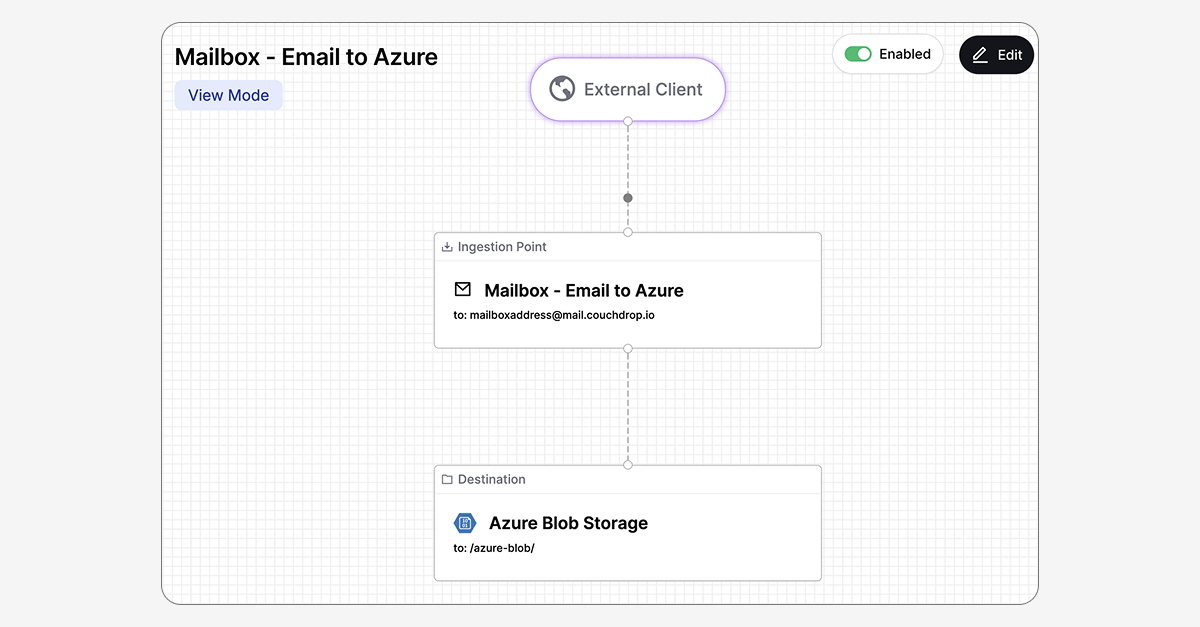
Visualizing and building workflows and creating user connections can be challenging, especially for users who are looking for a simple, straightforward, non-technical way to securely receive files from external parties.
Our new Flow Builder helps solve this. This new view allows you to create common transfer scenarios quickly, visually, and without code.
A new way to build transfer connections
Flow Builder is an express file transfer toolbox where users can create external users and create flows to receive files in one place. This means there's no need for most users to learn about the various locations and setup techniques for different transfer methods, as the most common tools can all be configured in a simple, visual, and guided method.
Simply select Flow Builder, choose what kind of transfer you want to do, and follow the guided setup. It's that simple.
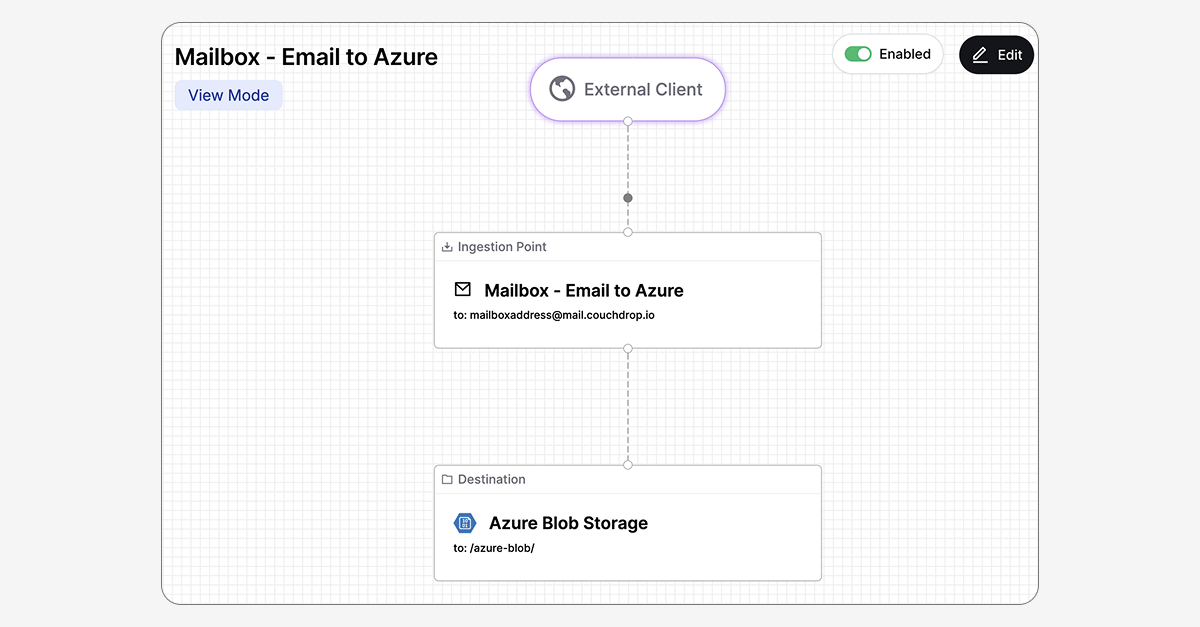
What can the Flow Builder do?
The Flow Builder doesn't add any new channels to transfer files, but it does give an alternative way to configure users and inbound transfers. Currently, the Flow Builder works for these scenarios:
- Generating SFTP and/or FTP users with root folders
- Building AS2 Stations and Trading Partner connections
- Creating Mailboxes to securely accept files via email
- Establishing a Webhook endpoint for receiving files
- Setting up an Inbound S3 connection
We intend to add more templates for common use cases to simplify more transfer scenarios for more users. If you have an idea for a Flow Builder scenario that could benefit your team, reach out to us at sales@couchdrop.io.
Try Flow Builder today
Couchdrop's Flow Builder is available now for all users and is accessible via the Flow Builder tab. Log in and try it today.