Data Loss Prevention for file transfers
Stop sensitive data ending up in the wrong place
Transfer Shield protects data with automatic data loss prevention processes including scanning, classification, filtering, scrubbing, and more. Define custom policies and safeguard every file transfer with consistent enforcement, complete visibility, and a full audit trail.
Strong protection for data in motion
Most organizations have sensitive files in places they shouldn’t be, or have given users, partners, or vendors more access than they need, often without even knowing it. Transfer Shield works behind the scenes to prevent critical data from being transferred into or out of your organization based on parameters you set.
Ensure compliance
Make sure your data transfer processes meet compliance requirements like HIPAA and GDPR.
Prevent oversharing
Receive alerts when attempting to share data with potentially sensitive information with external parties
Avoid data leakage
Stop confidential information from being accessed by the wrong people
Protect against threats
Scan transfers for harmful files and prevent them from being transferred with malware scanning
Advanced controls.
Simple setup and management.
Transfer Shield is easy to set up and fully customizable. Choose which features to use and which folders they apply to.
Content Inspection and Classification
Set Transfer Shield to scan target folders for PII, PHI, financial data, and custom content signatures. Tag files that meet criteria and take actions based on classification.
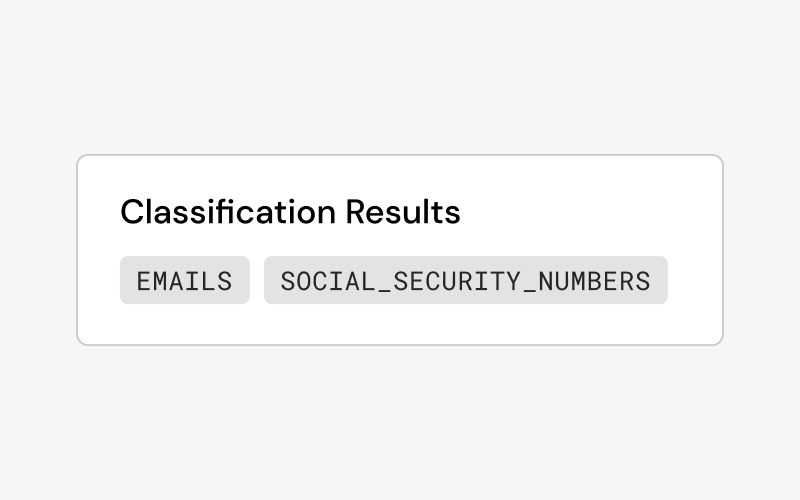
Classification-Based Filtering
Block, flag, hold, or route transfers automatically based on content classification. Add filtering for every transfer or only to folders that require stricter policies.
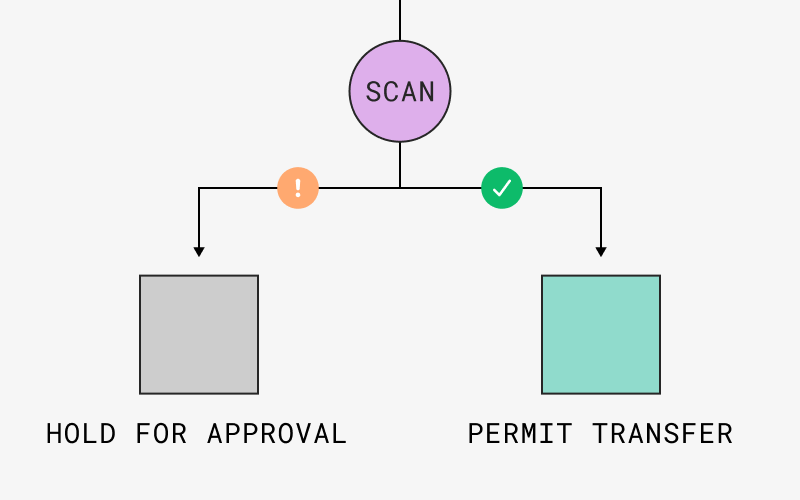
Data scrubbing
Automatically add masking or redact sensitive data like passwords, credit card numbers, and other controlled data types.
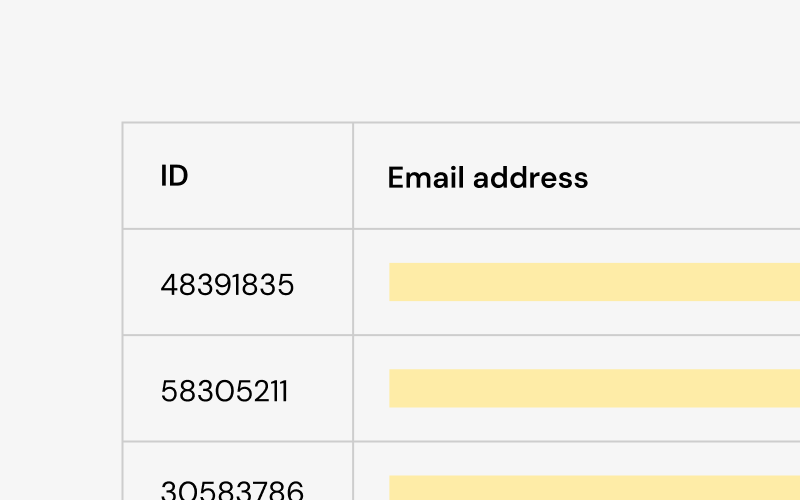
Approval Workflows
Add the requirement for an admin or manager to manually approve transfers before files can be uploaded or documents from sensitive locations can be shared.
Alerts & Recommendations
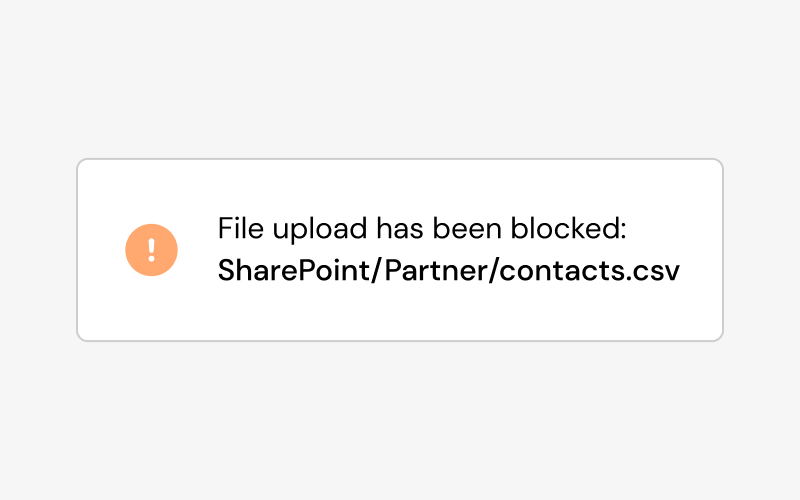
Get notified when transfers match content signatures. Set rules to determine next steps such as warnings, routing, or stopping the transfer from happening.
Compliance Reporting
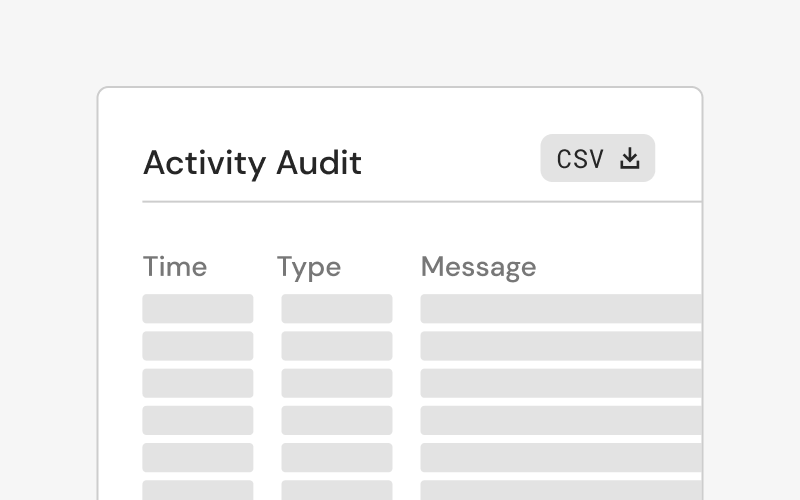
Transfer Shield includes a full audit trail of every transfer, classification decision, and enforcement action, so you're always ready for a review, an audit, or an incident response.
Transfer Shield supports compliance with all major regulatory frameworks affecting how data moves
- HIPAA
- GDPR / CCPA / PIPEDA
- PCI DSS / SOX
- FTC Safeguards Rule

SMB and Enterprise Ready
Move data with confidence
SMBs & SMEs
Transfer Shield gives enterprise-grade classification and DLP controls to every business without requiring a dedicated compliance team to set up and manage them.
Managed Service Providers
Set controls granularly for different endpoints and clients depending on their specific requirements and manage multiple clients and settings from a single, unified dashboard.
Enterprise
Provide data teams with granular controls to automate compliance risks across the organization, with full audit trails and detailed reporting for every transfer.
Frequently asked questions
What kind of data does Transfer Shield detect?
What file transfer protocols does Transfer Shield DLP support?
Does Transfer Shield work with automated transfers, or only manual ones?
We already have a DLP tool. Why do we need this?
Does Transfer Shield work with encrypted transfers?
Talk to us about Transfer Shield
Combine Transfer Shield with other Couchdrop features to create a simple, secure, fully-contained file transfer solution. Talk to our team today to request free access to try Transfer Shield.