Couchdrop can function as an online SFTP client that runs in your browser with no desktop software or installation required. Any user who has a Couchdrop account can use the platform as an FTP/SFTP client with the appropriate permissions.
Use multiple transfer protocols
Most online SFTP clients connect to one server at a time, and some only support a particular protocol. Couchdrop supports multiple transfer protocols and connects to all of your storage simultaneously, including on-prem file servers, remote FTP and SFTP servers, and over 30 cloud storage platforms.
This means that transfers using SFTP, FTP/s, and AS2 can all be run and managed in a single location. You can connect to multiple remote servers using different protocols and freely transfer files between them, using Couchdrop as the bridge between systems that have different connection requirements.
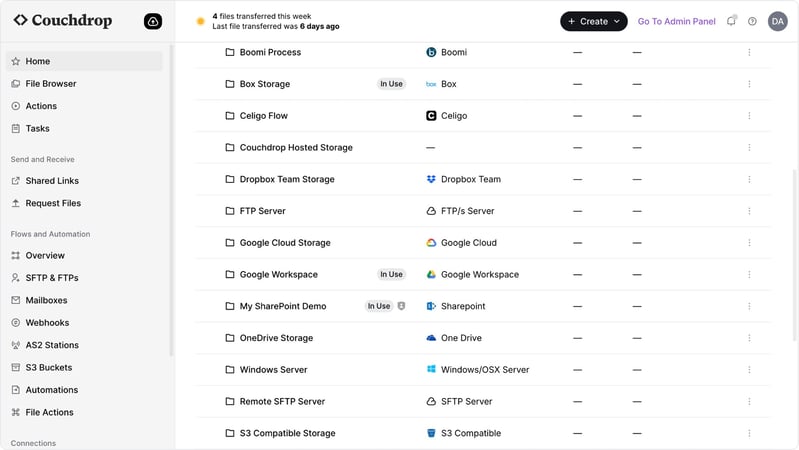
Move files between storage accounts
Couchdrop's file browser can work as a simple, modern SFTP/FTP client, where you can:
- Browse folders and navigate directory structures
- Upload files via drag-and-drop or file picker
- Download files to your local machine
- Create new folders
- Move, rename, and delete files
- View file properties including size, modified date, and file type
All operations execute directly against the underlying storage using your configured permissions. No files are stored by Couchdrop at any point of the process.