With this major update, you can now transfer data between a wide range of your cloud services using the new OpenAPI connector, giving you the potential to use Couchdrop as an all-in-one file and data transfer tool.
Whether you need to bridge connection gaps to automate processes between legacy software and cloud systems, trigger workflows across platforms as soon as files land in your storage, or anything else, Couchdrop can help make securely transferring data simple.
How does the OpenAPI connector work?
The OpenAPI connector is a beta feature in Couchdrop that you can use to connect to any system that uses the OpenAPI specification.
API connections must be made by an Admin. When setting up the integration through the Admin panel, the Couchdrop API is included as a template, which you can add quickly by creating a user-scoped API key and using the generated API key to authorize the connection.
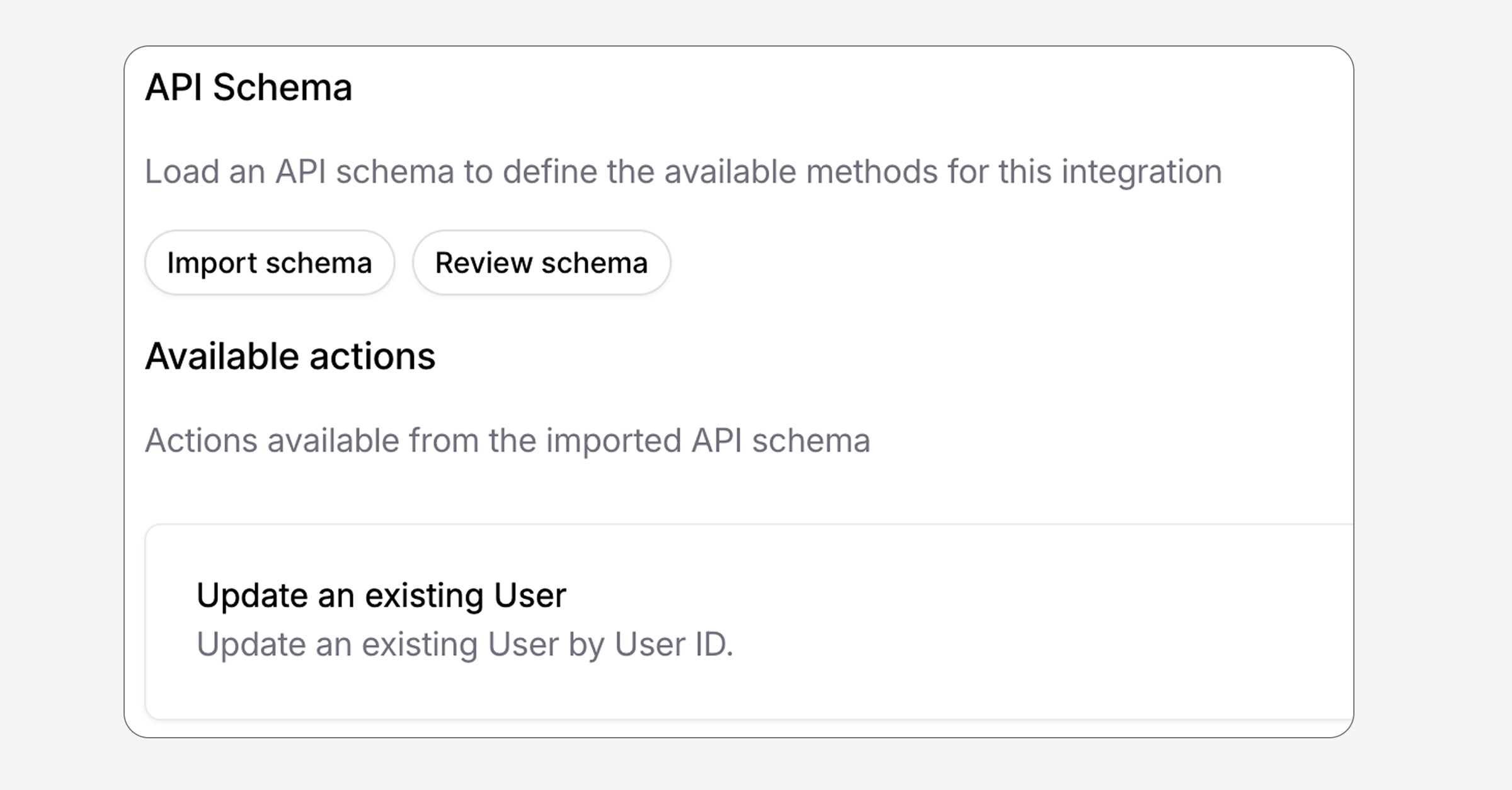
For other platforms, you have a few options to provide the schema:
- Use a pre-existing template for your platform from the Couchdrop list
- Provide a URL to download the schema from
- Copy and paste it directly into the field and have Couchdrop validate it
Then simply authorize the API connection and your new integration is ready to go.
Automating actions with the OpenAPI connector
Once you've added an API connection, you can use it for automations. The OpenAPI connector is compatible with other workflow actions and opens up the possibility to use Couchdrop as an all-in-one file and data transfer tool.
To do this, go to the Automation builder and add an action step and choose your configured OpenAPI connection under External APIs. You'll see a list of individual actions that come from the schema you provided, and the accompanying fields will appear when you choose an action.
For example, one action with the Couchdrop API is to make a new shared link. You could set up a trigger so that when someone uploads a file using a Web Portal, that file is renamed, and then a Shared Link is automatically generated with a one-time use. Then, that link can be sent out to someone to retrieve the files securely, all without any manual steps.
Try the OpenAPI connector today
The OpenAPI connector is now available to users in all regions. Create a connection using one of our connector templates or use the connector to quickly and easily make a custom integration for your platforms.
If you have a use case in mind and want to see your system added as a native connector to Couchdrop, check the option to request a new integration in Couchdrop or reach out to our team directly at info@couchdrop.io.