Couchdrop has always been able to connect to any system that supports SFTP or FTP connections, working as a bridge to move files.
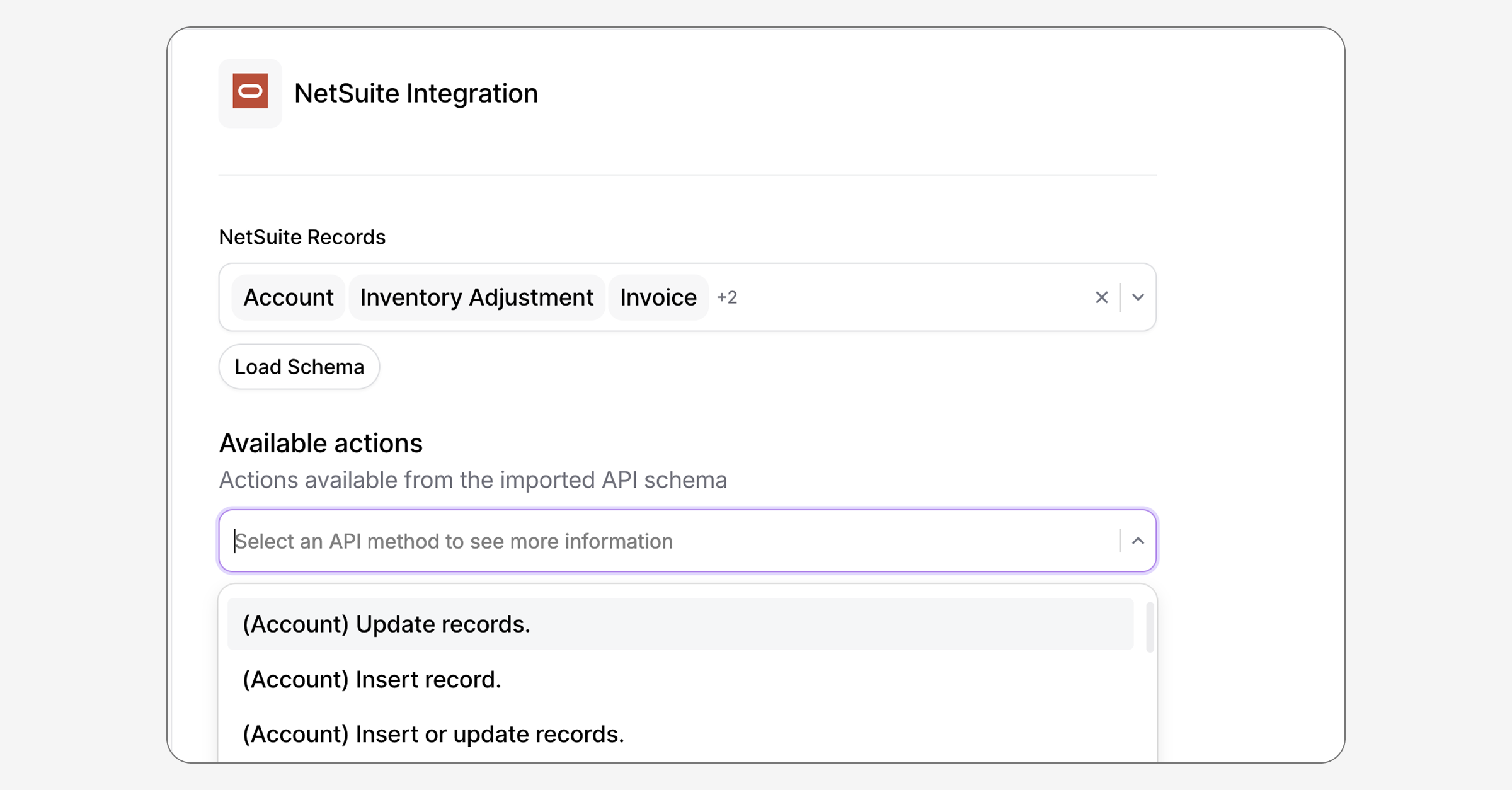
The native NetSuite and Salesforce connectors go a step further by integrating directly with the APIs, allowing you to run multistep, cross-system workflows involving any data you want.
Automate data flows between systems
Having direct access to the NetSuite and Salesforce APIs massively expands the power of Couchdrop automations. If the API can do it, Couchdrop can too, with the advantage of being able to securely exchange data with external partners and platforms as well.
This means you can combine data and file-based workflows to work across platforms and systems with ease. Trigger an export from Salesforce to a SharePoint site when a new report is generated. Sync inventory data from NetSuite with a partner who doesn't use the platform. Update your ERP when a vendor sends you a file.
Like with your files, you have full control over how the integration works, which data is accessible, and can limit or revoke access at any time.
Create cross-system data flows to do anything you want, all in Couchdrop.
Adding the Salesforce and NetSuite integrations
The integrations are simple, quick, and intuitive to set up and use.
Both the Salesforce and NetSuite integrations are added as platform integrations in the admin panel or when editing a workflow.
Once you've made the initial connection, the integrations can be used and reused across different workflows.
Level up your workflows today
With the new Salesforce and NetSuite API connectors, you can level up your workflows to exchange data across platforms, partners, and systems.
NetSuite and Salesforce are just the beginning. Connectors to several more popular systems are in the works, and you can also use the custom API connector to integrate any REST API into your workflows.
The new integrations for Salesforce and NetSuite are available to use now. Give them a try today.