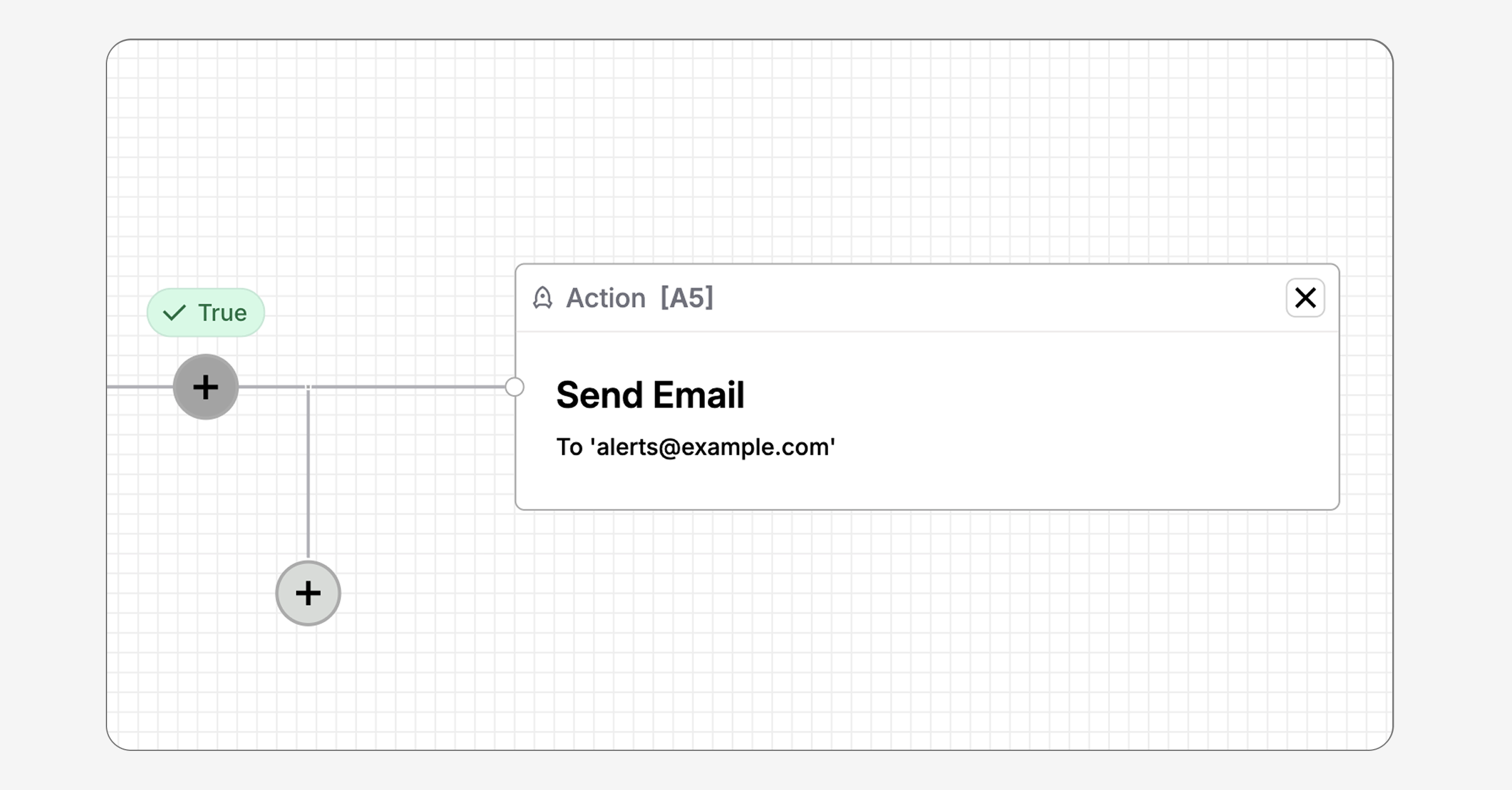
Couchdrop Workflow Automations can now send custom emails when a workflow action completes or a condition is met.
The new Create Custom Notification Action lets you configure the recipient, subject, and message body. You can also use Automation Variables to include information from the workflow in each email.
Add the action to a workflow branch to notify team members when files reach a specific location, confirm that a process has finished, or flag an exception that needs attention.
Add email alerts to workflow branches
A file workflow often involves several actions, systems, and outcomes. The people who rely on that workflow may need confirmation when a specific step finishes, not a general notification for the entire process.
You can add the Create Custom Notification Action to the relevant branch and send a message at the point where the notification matters.
For example, a workflow could move files from an SFTP folder to cloud storage, then email the team responsible for processing those files. Another branch could send a different message when a file requires review.
Each alert stays connected to the workflow event that triggered it.
Include detailed information in each message
Custom emails can include Automation Variables in the recipient, subject, and body.
These variables give recipients useful context without requiring someone to look up the workflow run.
For example, the subject could include the filename while the body identifies the associated user. A message could also include a custom value extracted earlier in the workflow.
Send alerts based on conditional actions
The Custom Notification Action can work with conditional actions to send targeted alerts when a file meets (or doesn't meet) a specific criteria.
For example, a workflow could check the modification time of a file in a location. If the file meets the condition, the workflow can follow that branch and send a custom email to the appropriate team.
This approach can support workflows that need to:
- Confirm that files have reached a specific location
- Notify a team after processing has finished
- Flag files that meet an exception condition
Teams receive the result of the workflow without checking file locations or workflow activity manually.
Keep the right people in the loop
Every workflow reaches a point where someone needs to know what happened. A file has arrived, a transfer has finished, or an exception needs attention.
Custom emails turn these workflow events into clear, timely messages. Couchdrop can notify the right people with relevant file, user, and workflow details already included, giving them the context to act.