
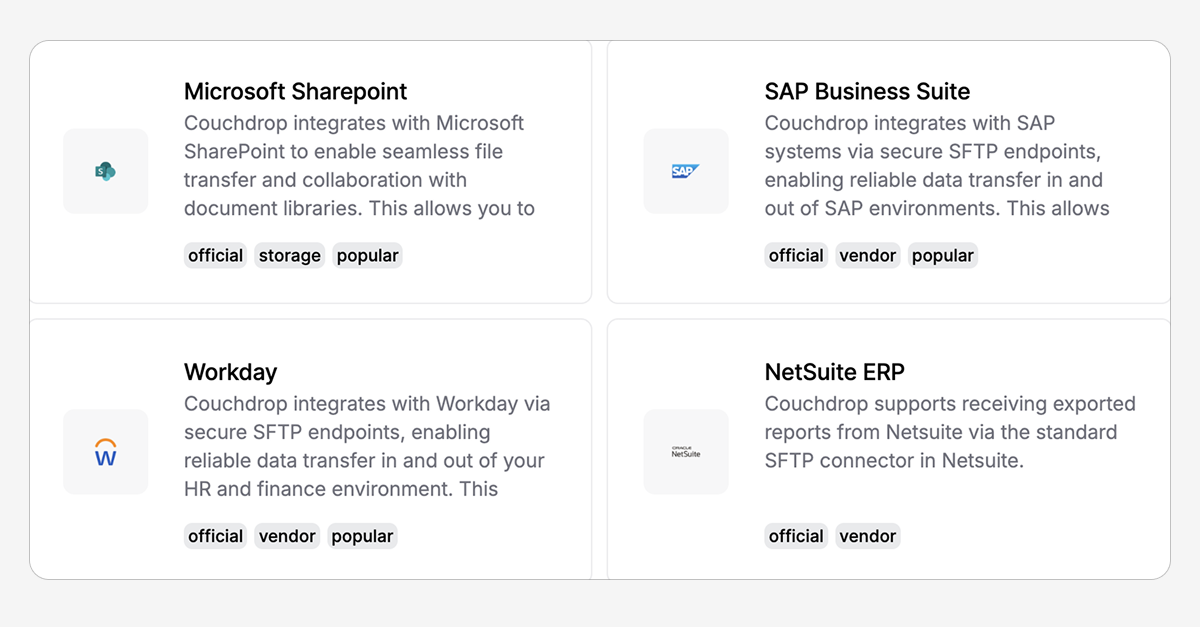
Couchdrop connector marketplace
The Couchdrop Marketplace is a way to quickly find systems and applications that are verified to be compatible with Couchdrop for secure data transfers.
Shared Actions allow admins to create File Action workflows and provide their team with access to run the action on files without having to worry about how it works under the hood.
Transfer Shield is a DLP feature in Couchdrop that enables you to stop sensitive data from ending up in the wrong place.
You can now enable the option to require approval from an admin or manager to create Shared Links or manually approve uploads to a particular folder.
We've added a new File Action trigger as well as additional actions that can be used in both Transfer Automations and File Actions.
Couchdrop's B2B Connect feature allows external businesses to securely send files to each other's storage accounts without sharing credentials or account access.
Couchdrop automations now include versioning with rollbacks, and we've made several improvements to the look and feel of the workflow builder.
Couchdrop has launched a new Singapore PoP that brings improved connectivity & performance and helps organizations meet compliance requirements.
With this major update, Couchdrop now supports sending data directly into AWS SQS, Google Pub/Sub, Azure Queue, Workato, Celigo, Boomi, Make, Zapier, Snowflake, Big Query, and Supabase.